
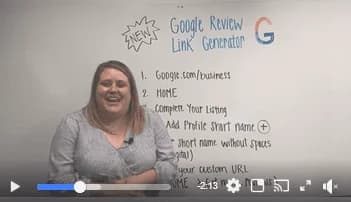
Here's how to set up and use Google's new review link generator

witadmin July 31, 2019 1 min read
Here's how to set up and use Google's new review link generator

Here's how to set up and use Google's new review link generator

Sending your customers a link to leave you a Google review is now easier than ever!

Here’s a step-by-step look at how to set up Google’s new Review Link Generator:

1. Login to your Google My Business listing: google.com/business

2. Select HOME (lefthand sidebar)

3. Scroll down to ‘Complete Your Listing’ section

4. Select (+) beside ‘Add Profile Short Name’

5. Enter in a short name without spaces (e.g., witdigital or johnsplumbing)

7. Select HOME (lefthand sidebar)

8. Scroll down to ‘Get More Reviews’ and copy your custom URL!

9. Send the link to your happy customers!

READY TO GROW?

Let's talk about a marketing strategy that actually delivers results for your home service business.

WITCONNECT

The Modern Agency

Every week, we break down the marketing strategies actually working for home service businesses right now. Real case studies. Actionable tactics. Zero fluff.

  • SEO tactics that drive local leads
  • Ad strategies with proven ROI
  • Growth tips from top performers

Join 8,000+ home service pros. Unsubscribe anytime.